
Skip the CMS
Build custom websites you can edit on the page.
Try Editable
Hold ⌘ (Mac) or Ctrl (Windows) and press E to enter edit mode. On mobile, drag and hold along the bottom of the page.
Click where you want to edit.
Move around with ← → ↑ ↓.
Change anything you see!
Bold, italic, and link with ⌘ or Ctrl + B, I and K.
Undo with ⌘ or Ctrl + Z.
Save changes (temporarily) with ⌘ or Ctrl + S.
Build with blocks
Select one of the full width dashed gaps to see a flashing purple cursor.
Press Enter to create a new top-level block.
Ctrl + Shift + ↓ ↑ cycles through block types.
Ctrl + Shift + ← → lets you flip through available layouts.
To move blocks, drag from a dashed gap to select multiple, then cut and paste like usual.
Press Esc to select the parent block.
Add images and videos
Open a folder on your computer that has some images. Select one and copy it to the clipboard. Select the placeholder below and paste it. To replace an image, select it first, then paste the new one on top.


To paste several images at once, select three or four from your computer and copy to the clipboard. Now select a vertical dashed area before or after an image above. Paste and all the images will be added in one go.
You can even paste short video clips onto any media placeholder. Currently .mp4 , .webm, and of course .gif are supported.
Link to other pages
Click on one of the cards below.
A link preview appears at the bottom.
Click “Edit” or press ⌘ or Ctrl + K to change it.




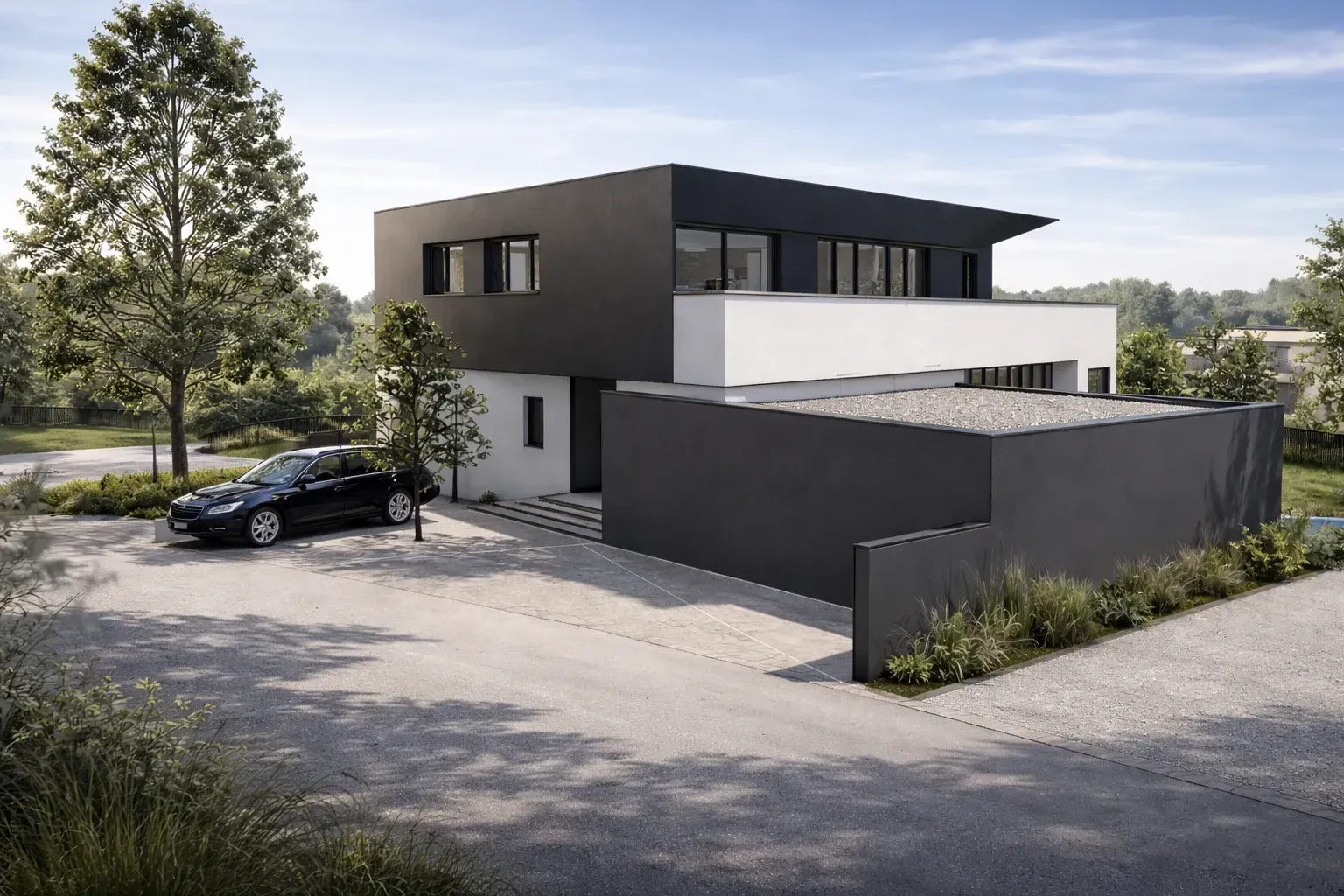

The cards above are links to examples of live in-place editable websites Johannes Mutter and I have already launched using this technology. You can see that any design is possible — it’s just HTML and CSS.
How does this work?
The source code is not only available for Editable, but for all the foundations it is built on:
Early-Adopter Pricing
Pre-launch
Setup a website in minutes. Spend the next hour customizing it.
Free
Install Editable and start developing.
Personal
For personal use or businesses with less than 150,000 EUR in annual revenue.
€99
Once. Per domain. When you launch.
Commercial
For professional use or businesses with more than 150,000 EUR in annual revenue.
€299
Once. Per domain. When you launch.
Frequently Asked Questions
How is this different to using a CMS?
The editing infrastructure (Svedit) becomes an integral part of your website (at runtime). As a developer, all you do is define content types (e.g. Figure) and implement components (e.g. Figure.svelte) — they are editable by default.
Is mobile editing supported?
Yes mobile editing is fully supported. Drag and hold along the bottom of the page to enter edit mode on mobile.
Where is the data stored?
All content lives in a single data directory — an SQLite database (db.sqlite3) and uploaded assets (data/assets). Locally this defaults to ./data. On Fly.io it's a persistent volume at /data. To back up your site, copy this directory.
What about AI?
Editable does not rely on AI by design. However, you are encouraged to use tools like Claude Code or Codex to help you understand and edit your website's code. Let it help you adapt your site's colors, fonts, structure and layout.
Text, images, and videos are usually best edited by humans though. At least if you don't want your website to "smell like AI."
That said, you might want to consider Computer Use for AI to interact with your content. It can come in handy to fix spelling or grammar mistakes.
Plugins?
Editable is modular and you can and should reuse code across projects. However, I purposely don't want to establish a community-maintained plugin repository. I want to encourage you to own all your code, for the benefit of simplicity, safety, and control. Share code snippets, not plugins.
Hosting?
Editable runs on any VPS. All you need is Node.js and SQLite. The repository includes a Dockerfile and fly.toml for one-command deployment to Fly.io. The same Dockerfile works with any platform that supports Docker.
Static builds?
There's no point for static builds with Editable. The whole idea is that users edit content live, without having to wait for a rebuild to finish. SQLite is fast. Very fast. Web-optimized images are generated client-side before upload: resizing happens in the browser via canvas and toBlob(), and WebP encoding is done with @jsquash/webp. It still makes sense to enable a proxy (like Cloudflare) for images, so they can be delivered from a CDN.
License?
Editable is source-available software. You can download it, run it locally, and modify it without restrictions. If you publicly launch a website backed by Editable, we ask you for a one-time registration fee for each launched domain.

Hello, I’m Michael
Since 2011 I’ve been taming web browsers to behave correctly and predictably when editing rich text.
I want you to be able to launch websites that anyone can edit. No more calls asking you to update someone’s WordPress site! They’ll be able to do it themselves.
Most CMSs are too complex for clients and too restrictive for developers. Change every pixel of your site, create new content types, or integrate 3rd party data. Everything you can do with Svelte, you can do with Editable.
Can I really skip the CMS?
Editable looks interesting to you, but you still have many questions?
Big thanks to Johannes Mutter for helping with concept, design, and engineering, Tom Atkins for support with positioning and copywriting, and Sonja Stojanovic for being the very first happy Editable user — followed by Trails, Postlmayr Design, Aufreiter Architektur, and many more.