
Edit this page
A five minutes walk-through. Only you will see your changes.
STEP 1
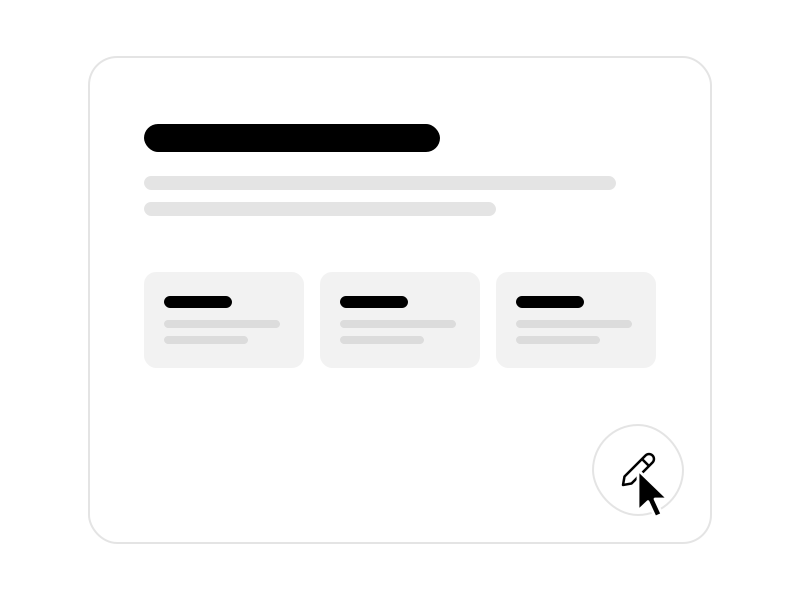
Turn on editing
Click the pencil in the bottom-right corner.
STEP 2

Rewrite this
Click into this sentence and type something new.
STEP 3
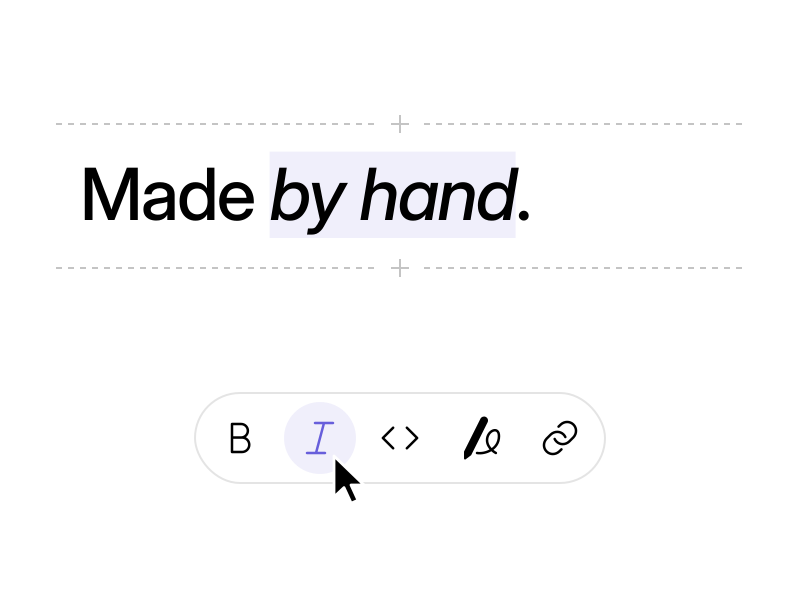
Add some style
Select a word, then click bold or italic in the toolbar.

STEP 4
Swap the photo
Copy an image on your computer, click the photo, and paste. Or drag a file onto it.
STEP 5
Fill the gallery
Click the checkered frame and paste a photo. Paste several into the dashed gap next to a photo to add them all at once.


STEP 6
Try another layout
Click a photo, then click “Gallery” in the toolbar and pick a different layout.
STEP 7
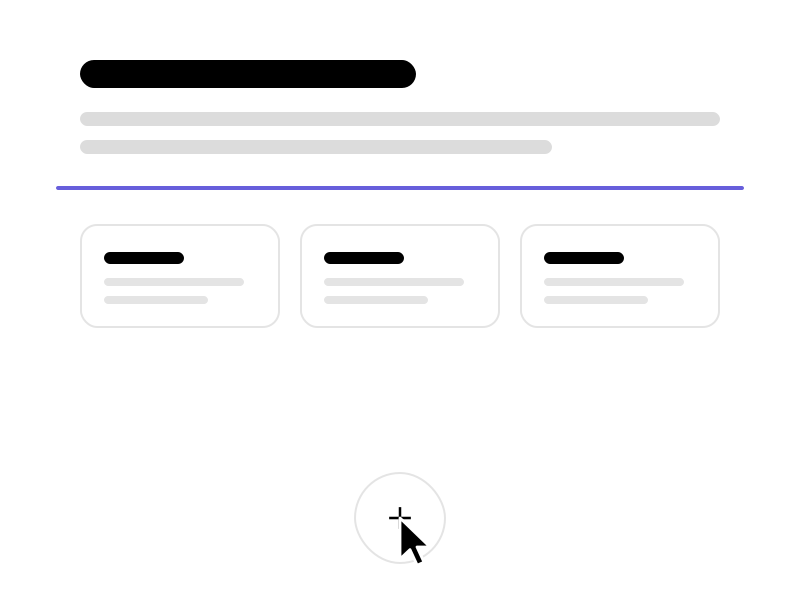
Add a block
Click a dashed gap between two blocks, then the plus button in the toolbar.
STEP 8
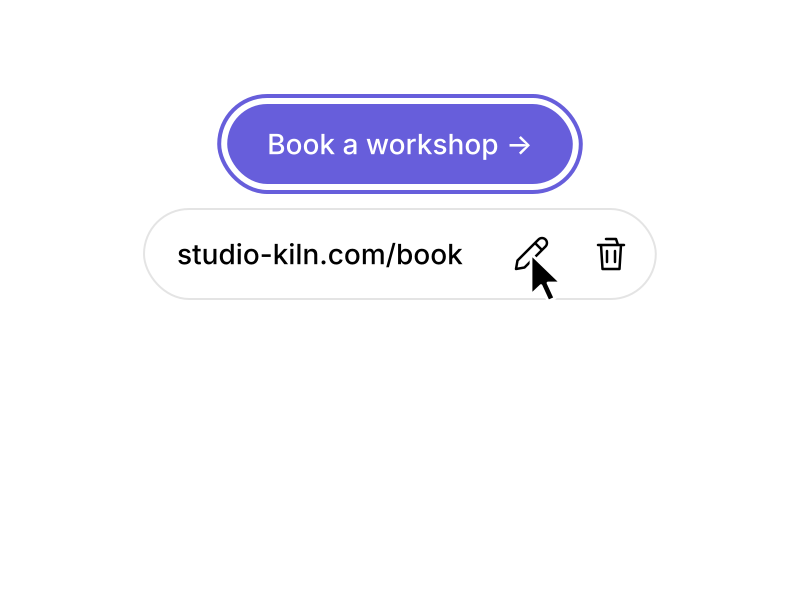
Change a link
Click the button below, then the pencil next to its link.
STEP 9
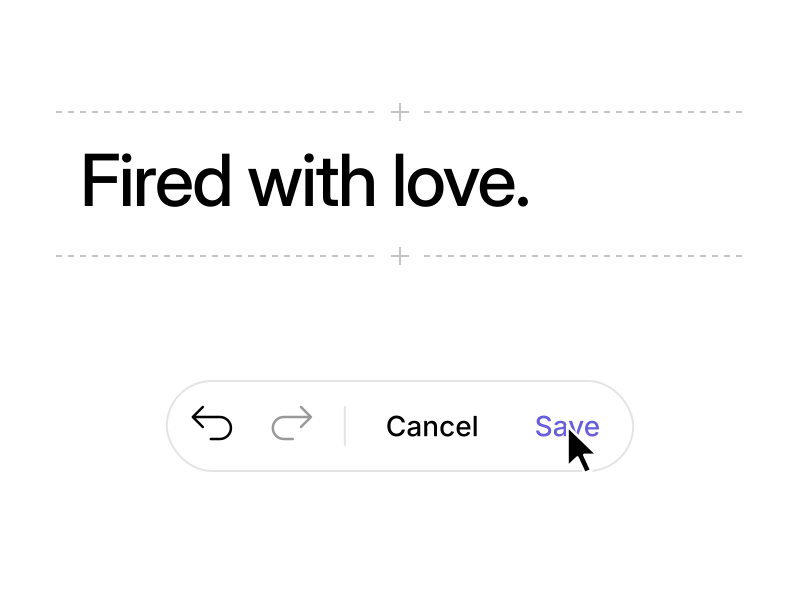
Save
Undo anything from the toolbar. Click Save when you’re done.
That’s it
Reload the page to start over, or build a site like this yourself.